SESSION 2
Rooms and Runners and Chiefs of Staff, oh my
CLAUDE.md / Skills vs Agents
How today works
- 60 minutes of session
- Then I'll stick around - you can play, build, ask questions
- No pressure to stay for the hangout part
Check-in via chat
- What did you try since last time?
- What surprised you?
- What frustrated you?
Today's plan
CLAUDE.md
The file that teaches Claude who you are.
What is CLAUDE.md?
A file Claude reads at the start of every conversation to understand who you are and how to work with you.
Global = your identity. Project = specific context.
The Teaching Loop
The file gets smarter every time you use it.
Caveat: it takes reps
This doesn't always work perfectly at first. But the corrections get less and less.
The # Shortcut
The fastest way to train Claude:
Claude uses an em dash in your writing.
# Never use em dashes
Claude adds that rule to your CLAUDE.md. Next session, Claude knows.
Every mistake becomes a rule. Every rule makes Claude better.
What goes in it?
Start here
- Who you are
- How you like to communicate
- Things that annoy you
Add over time
- Rules from mistakes
- Preferences you discover
- Project context
- Your weak spots
Good rules look like this
You don't have to write this yourself. Just explain it to Claude and ask it to update your CLAUDE.md.
Be specific, not vague
"Be helpful" → "Give me the direct answer first, then context"
"Write well" → "Never use em dashes. Keep paragraphs under 3 sentences."
"Be professional" → "Don't use corporate jargon. Match my casual tone."
My CLAUDE.md
Show the real file. Point out rules that came from real mistakes.
Homework: Part 1
Ask Claude to help you build your CLAUDE.md:
Just talk to it. It'll ask you questions, then create the file.
Don't try to make it perfect. Add more as you go.
Rooms &
Runners
The simple model for skills vs agents.
The terminology is confusing
Anthropic talks about "skills" and "commands" and "agents" and "subagents" and it all sounds complicated.
It's not.
There are really just two things.
Rooms you've decorated
When you type /chief-of-staff, you're walking into a room. Invoking the skill triggers the creation of the room:
- What's on the walls (which files it reads)
- The vibe (the tone, the role)
- The tools within reach (what it checks automatically)
- What happens next (the workflow)
Skills I've built
/chief-of-staff
- Inbox on the desk
- Calendar on the wall
- "Let's get oriented"
/vibe-coach
- No distractions
- Anti-scope-creep energy
- "Let's finish this one thing"
/branding-coach
- Frameworks on the wall
- Confrontational energy
- "What do you actually stand for"
More rooms I've built
Each one is a room I decorated for a specific kind of work.
Popular skills people build
- Daily planner / chief of staff
- Content repurposing (long-form to social)
- Meeting notes organizer
- Code reviewer
- Email drafter (in your voice)
- Research assistant (for a specific topic)
Browse more at skills.sh
Let's browse
skills.sh
See what people are building. Install one together.
You can only be in
one room at a time.
You can leave and come back. You can walk between rooms during a session.
But the room shapes how Claude thinks with you.
Runners you dispatch
While you're in any room, you can say
"go research this and come back."
- The runner leaves, does work independently
- Returns with findings
- You can send out multiple runners at once
- They don't change the room you're in
Agent examples
code-builder
"Go build this feature and come back when it's done"
code-reviewer
"Check this code for bugs and security issues"
session-capture
"Document everything we just did"
rapid-prototyper
"Figure out the fastest way to build this"
You don't invoke these. Claude decides when to use them.
The difference
A context you inhabit.
A mode you're in.
A vibe.
Claude thinks WITH you.
Back and forth. Conversation.
A worker you dispatch.
A task you delegate.
Background work.
Claude works FOR you.
No back and forth. Just results.
Why this matters
/chief-of-staff FEELS like a headquarters
because it IS one.
You decorated it. You're inside it.
That's why it doesn't feel like "using a tool."
It feels like being somewhere.
The DNA of every skill I make
Three files. That's the whole pattern. Every skill I build starts here.
My skill hierarchy
Show the full map - how skills connect, how inboxes feed into each other.
Build Your
Chief of Staff
The skill everyone wanted from Session 1.
What's in the starter
Three files. That's the whole system.
Install your Chief of Staff
Paste this into Terminal:
That's it. The script downloads the files and sets everything up.
Then restart Claude Code and type /chief-of-staff
Run it
It'll see the placeholder values and ask you questions.
Fill in your values, your tone, what matters to you.
It reads your files. That's all it's doing.
The core idea
- It remembers context between sessions (via files)
- It prioritizes based on YOUR values
- It asks good questions instead of just answering
- It gets better over time as you teach it
The magic isn't in the system. It's in the conversation.
Make a skill for anything you repeat
If you're going to do something more than once, make it a room.
Example: I needed to build slides for this course. I knew I'd do it again. So I made a /slides skill.
Now every time I need a new deck, I walk into that room and it already knows how I like my slides, what format to use, how to let me review them.
The pattern: do it once manually, notice what you'd repeat, make a skill.
This literally just happened
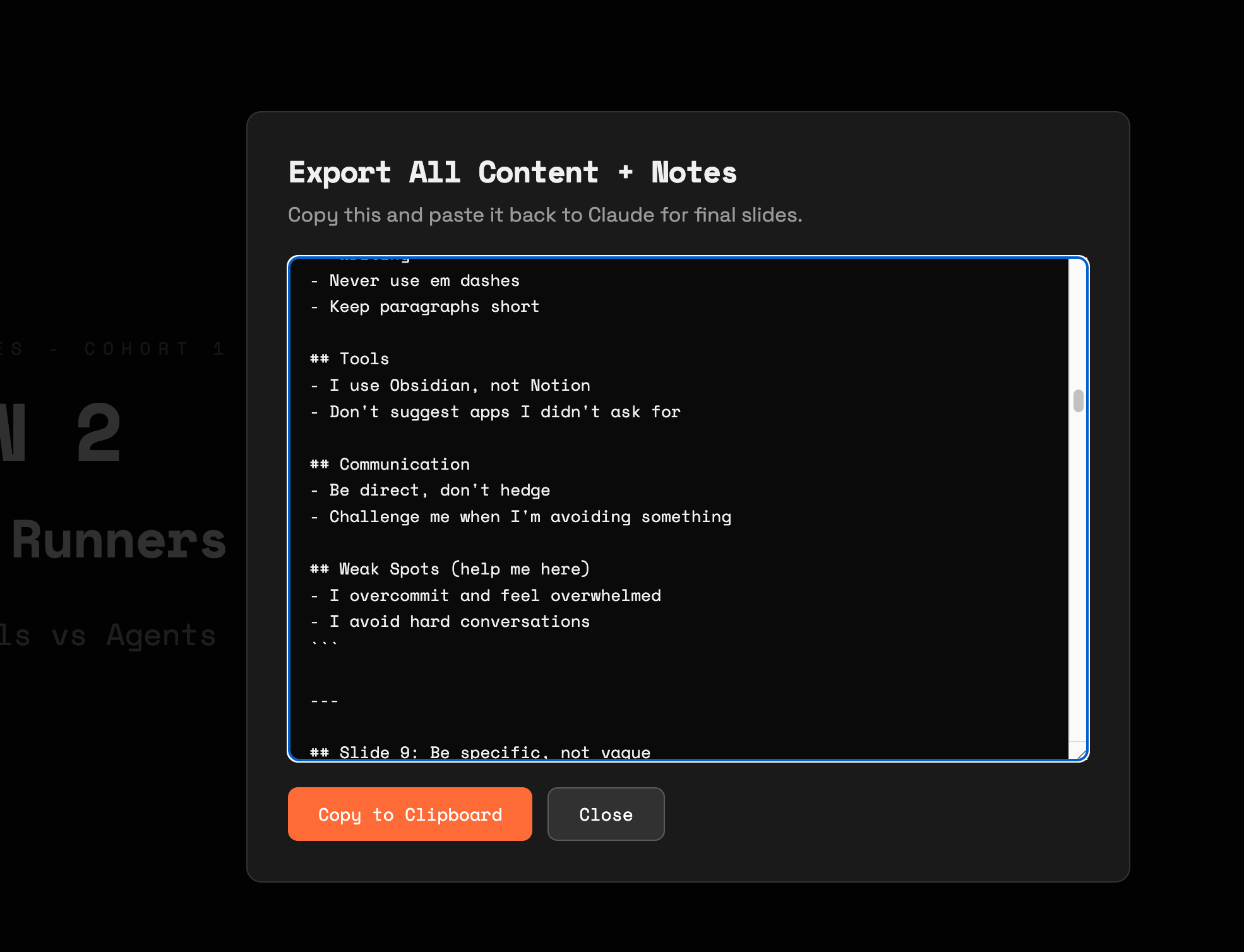
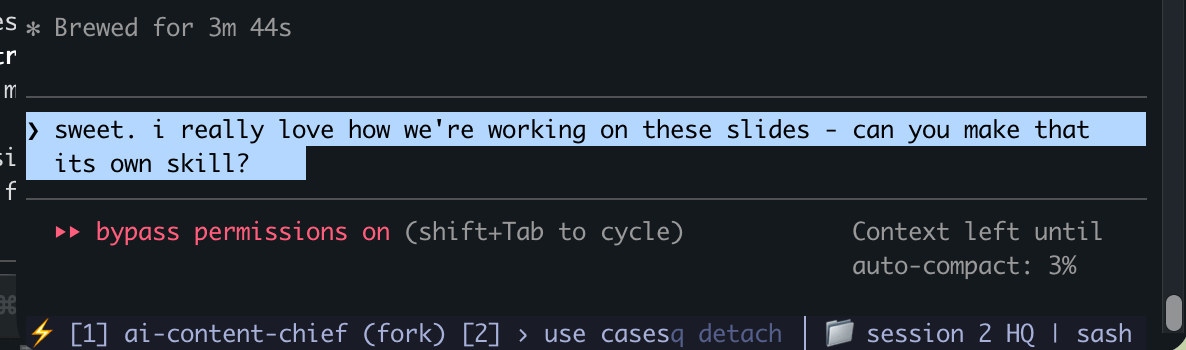
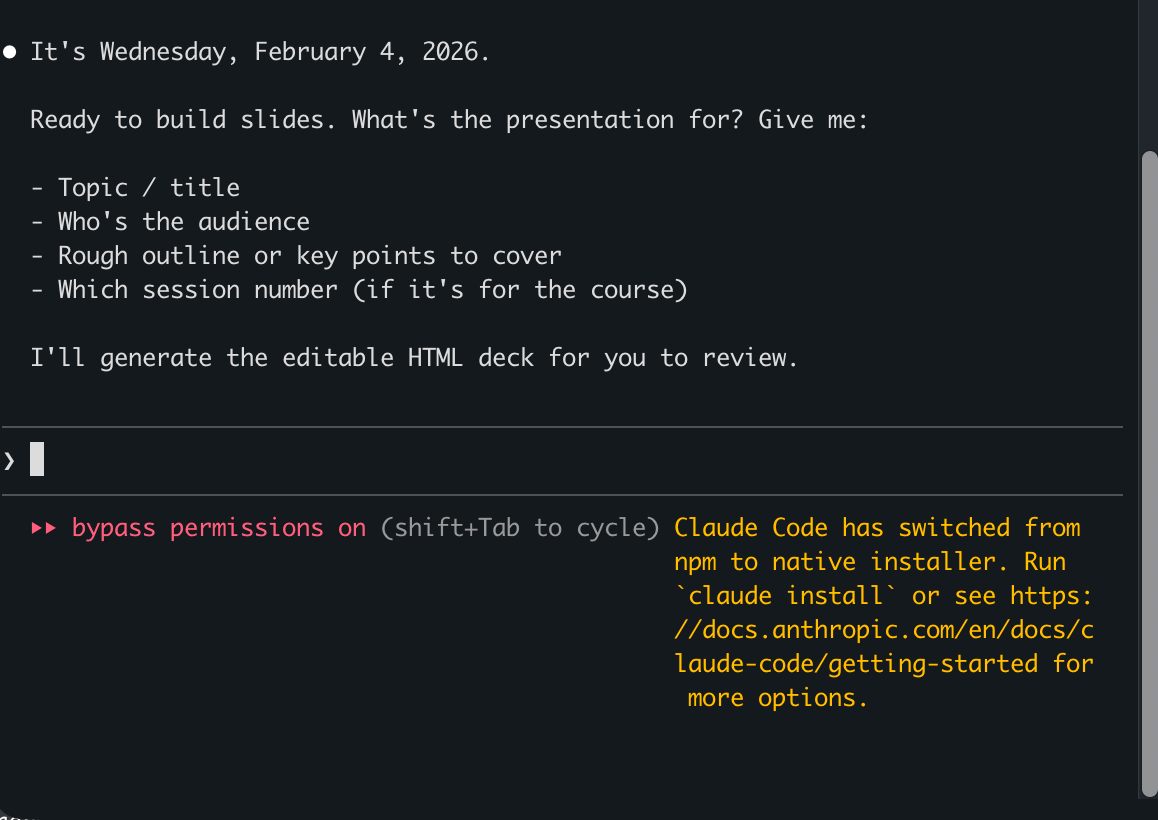
I built these slides with Claude. Then I asked it to turn the workflow into a skill. Now I have /slides forever.
Homework
When it does something wrong, just tell it. It'll update the rules for you.
Copy-paste cheat sheet
Homework 1: Paste this into Claude Code
Homework 2: Paste this into Terminal
Then restart Claude Code and type /chief-of-staff
Coming from me this week
- Chief of Staff install instructions (check the group chat)
- How to nest skills inside other skills
- Skills in the Claude desktop app - a proper walkthrough
- Connectors (Notion, Google, etc.) - exploring what Chris showed us
- Deep research mode - can we trigger it from terminal?
- My daily logging setup - how I use Obsidian + Claude together
What are you
going to
build?
Next session: building stuff - Netlify, GitHub, shipping to the web